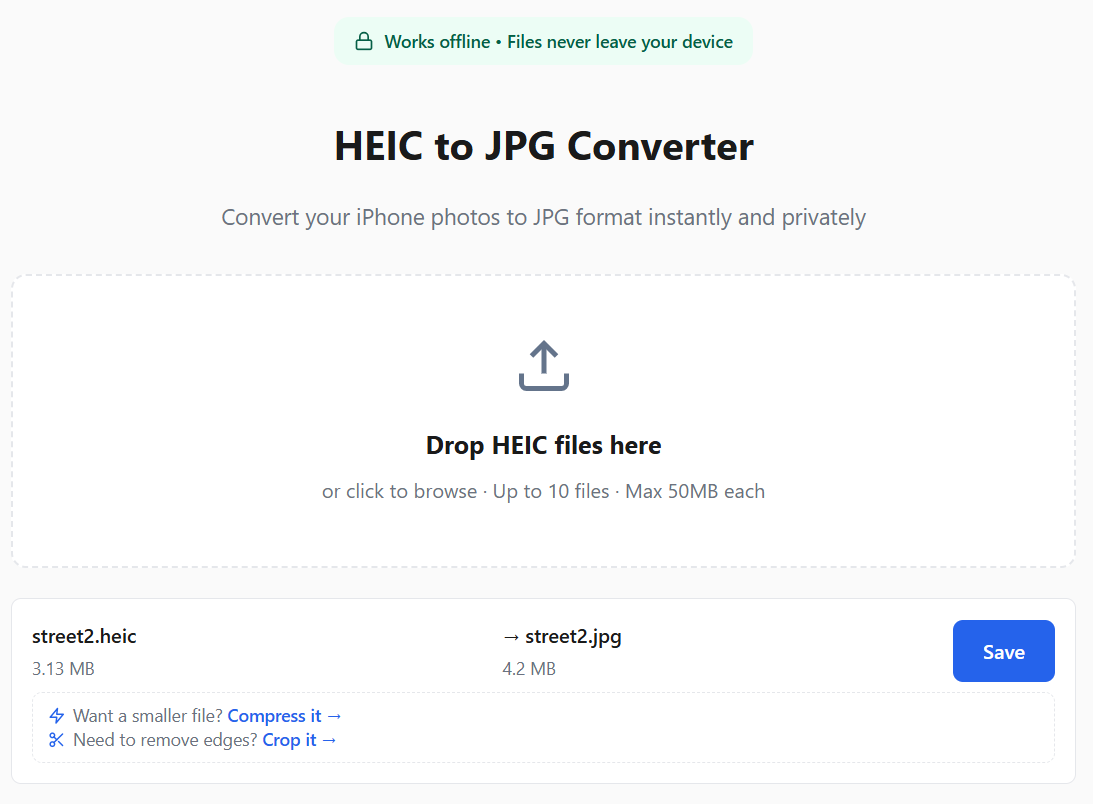
HEIC to JPG Converter
Convert your iPhone photos to JPG format instantly and privately
Drop HEIC files here
or click to browse · batch and file limits adapt to your device memory
Frequently Asked Questions
How do I use this HEIC to JPG converter?
Just three steps:
- Click the drop zone above or drag your HEIC files onto it
- Wait a few seconds for automatic conversion
- Click "Save" to download each JPG
For a detailed walkthrough with platform-specific tips, see our complete guide to converting HEIC to JPG.
Which platforms does this converter support?
Works on any device with a modern browser — Windows, Mac, Linux, iPhone, and Android. No software download or app install needed. Just open this page in Chrome, Safari, Firefox, or Edge and start converting.
All processing happens locally in your browser, so it works offline too.
What is HEIC format?
HEIC (High Efficiency Image Container) is Apple's default photo format since iOS 11. It uses HEVC compression to reduce file sizes by 40-50% compared to JPG while maintaining the same quality. This converter also works with .heif files, which use the same HEIF container format. Want to learn more? Read our complete guide to HEIC to JPG conversion.
What if the converted JPG is too large?
HEIC uses more efficient compression so JPG files are often larger. If you need the entire photo, use our image compressor to reduce file size while keeping the full image. If you only need part of the photo, use our crop tool to trim away unwanted areas and reduce size at the same time.
How many HEIC files can I convert at once?
You can batch-convert multiple files at once — the exact limit adapts to your device’s memory. Each file is processed in your browser — no uploads needed.
What's the file size limit?
The file size limit adapts to your device’s memory — typically 50 MB or more on modern hardware.
Is this converter really private?
Yes! All conversion happens locally in your browser using the heic2any library. Your photos are never uploaded to any server.
Does this work offline?
Yes! Once you've visited the page, the converter works without internet. All processing happens locally in your browser, so you can convert HEIC to JPG anywhere — even on a plane.